Here are my top 5 image hosting websites.Enjoy
5. http://imgur.com/

Pros:
- Multiple image upload
- Upload from Computer or Web
- Fast uploading
- 10 MB per image
- No download limit
- Doesn't require a registration
Cons:
- Although you can upload 10 MB images they compress them down to 1 MB therefore reducing quality significantly
- No delete link ( you have to request for an image to be deleted and that could take some time )
- No resize options
4. http://imageupload.org/

- Different upload methods ( some require a registration )
- Good upload speed
- Delete link
- Upload from Computer or Web
- Resize options
- No download limit
- Doesn't require a registration
Cons:
- Not enough share links provided on upload ( I find it convenient having a direct link and a forum link )
- No multiple file upload
- Unknown max file size
3. http://tinypic.com/

Pros:
- Max size 10 MB
- No download limit
- Upload from Computer or Web
- Can upload images and videos
- Resize options
- I find it fastest of them all
- Convenient links
- Share options
- Doesn't require a registration
Cons:
- No delete option
- No multiple file upload
2. http://imageshack.us/

- Max size 5 MB
- Upload from Computer or Web
- Upload up to 100 images simultaneously
- Resize options
- No download limit

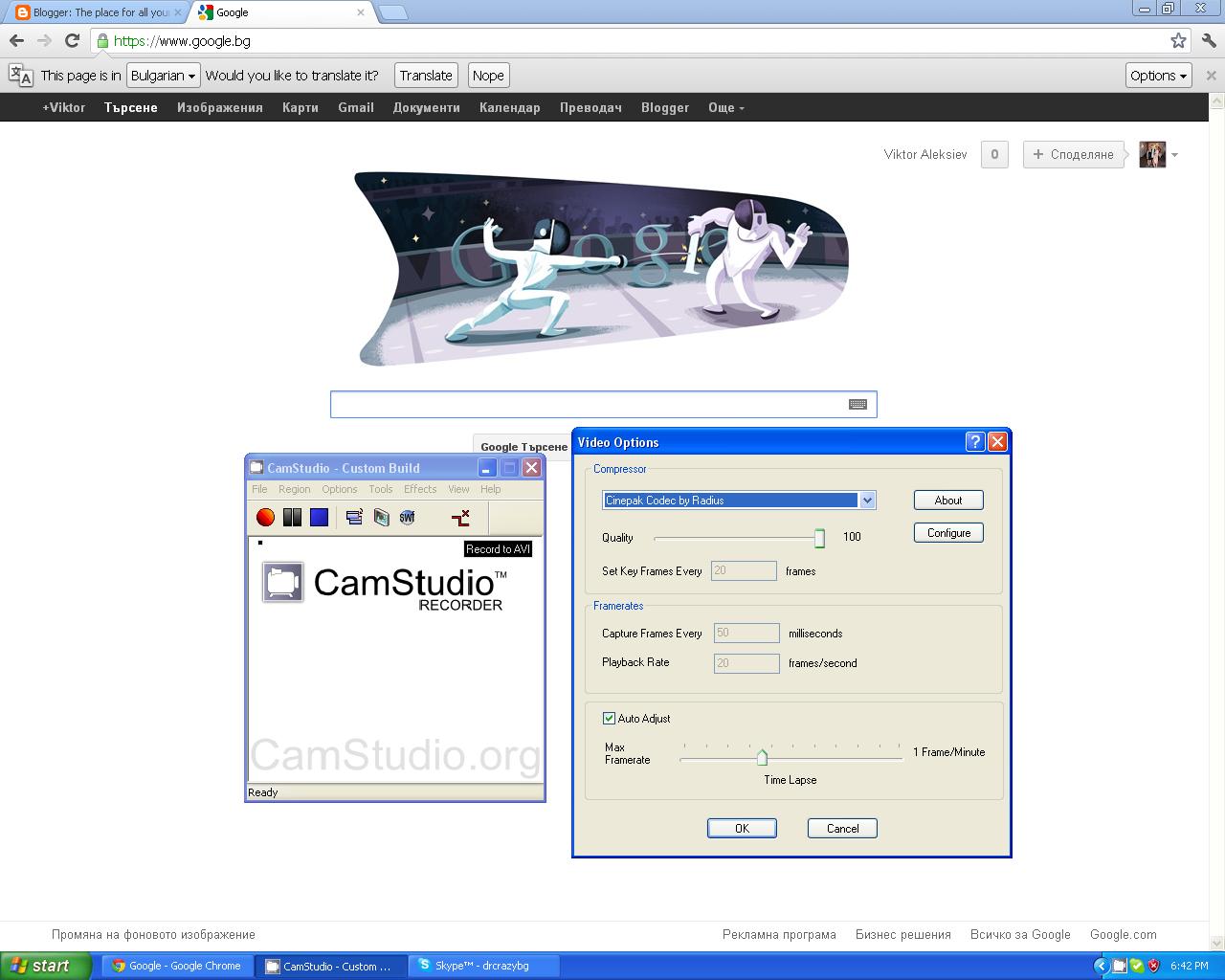
Skype Launcher is a great program you can use to launch multiple instances of skype.
You can download it here:
http://www.megafileupload.com/en/file/362618/SkypeLauncher-1-6-5-rar.html
Just extract and install it.It comes with a toolbar so just uncheck the toolbar installation.If you didn't get shortcut it installs in C:\Program Files\SkypeLauncher by default.
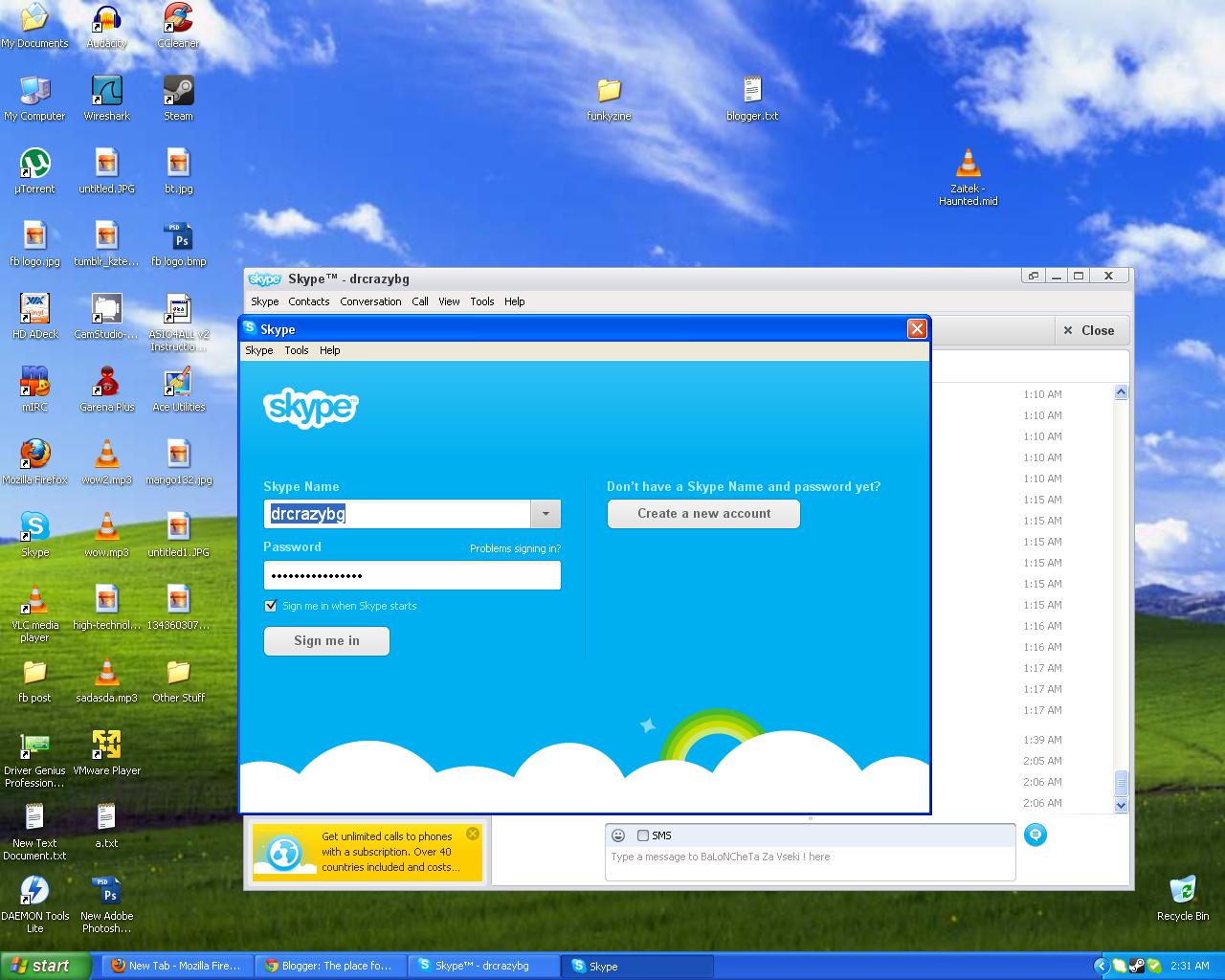
Just run it and it will open a new skype window.Login with your other account and you're done!
I just created a facebook page if you want to support the site go ahead and like:
https://www.facebook.com/pages/Techspec-The-place-for-all-your-tech-questions/485540224808598

It's called VLC and it comes packed with almost all the movie codecs you'll ever need.Which basically means you can play everything from mp3s to xvid and everything in a 22 mb file. You can download VLC at http://www.videolan.org/vlc/
Angry IP Scanner is a quick and easy way to scan for alive hosts on your network.You can get it at http://www.angryip.org/w/Download
Choose the appropriate version and just download and run it it doesn't require an install.
It will start up with your IP so let's say you're on a router and your ip is
192.168.1.10 just change the last digits and for example make it scan fromm 192.168.1.1 to 192.168.1.255 keep in mind it only goes up to 255. If you're not behind a router you can still scan your network for alive hosts.Just change the last digits again.

This is what it will look like.
http://mp3cut.net/ is a great site I often use you just upload your song , move the beginning and end sliders to the appropriate positions and click cut.Then it prompts you to download. Easy as that.Also you have options for the format in which you get your file.It doesn't mess the quality up and I recommend using it if you don't have any tools up for the job.
